Etsy Product Image Requirements - 2026 Complete Guide
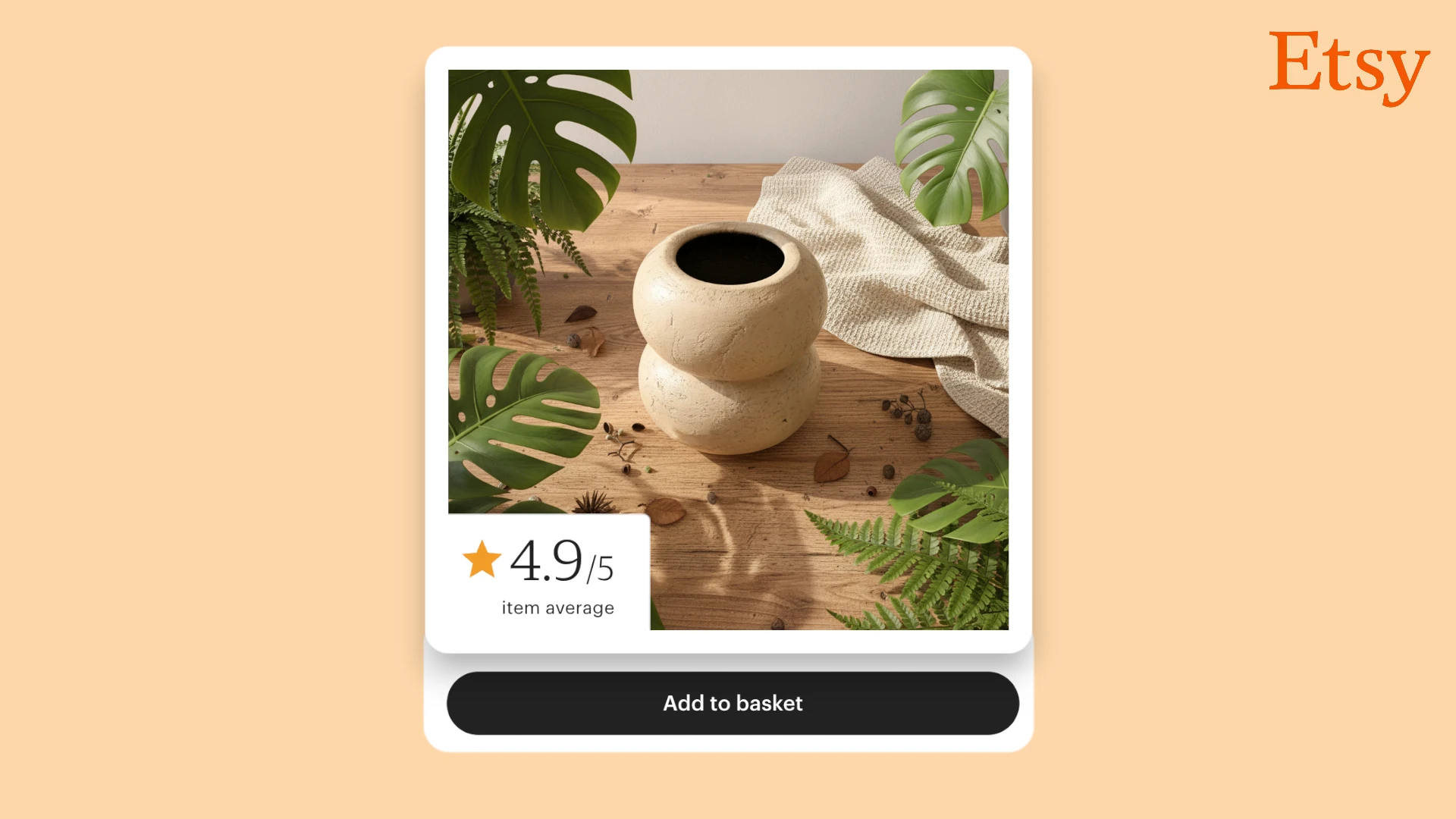
Getting Etsy product images right can mean the difference between showing up in search results or getting buried on page 10. Your first listing photo needs at least 635 pixels to avoid search penalties, but that's just the bare minimum. This guide walks you through everything Etsy sellers need to know about image requirements in 2026—from technical specs to optimization strategies that actually help handmade products stand out in a crowded marketplace.
Save this guide! These specifications are based on Etsy's official requirements plus real-world testing from sellers managing six-figure shops. Also selling on Amazon? Check our Amazon Product Image Requirements guide for platform-specific compliance rules.
Etsy Image Requirements at a Glance
| Specification | Minimum | Recommended | Maximum |
|---|---|---|---|
| Dimensions | 635 x 635 px (first image) | 2000 x 2000 px | No official limit |
| File Size | N/A | Under 1 MB | 1 MB (slow uploads) |
| Aspect Ratio | Any | 1:1 (Square) | Any |
| Resolution | N/A | 72 PPI | N/A |
| Format | JPG, PNG, GIF | JPG | JPG, PNG, GIF |
Key takeaways:
- Optimal size: 2000 x 2000 pixels provides crisp detail and works everywhere on Etsy
- File size target: Under 1 MB prevents upload issues
- Best format: JPG for photographs, PNG for graphics with transparency
- Minimum for search: 635 x 635 pixels on your first image avoids ranking penalties
- Image quantity: 5-10 images per listing (minimum 5 recommended)
What Size Should Etsy Product Images Be?
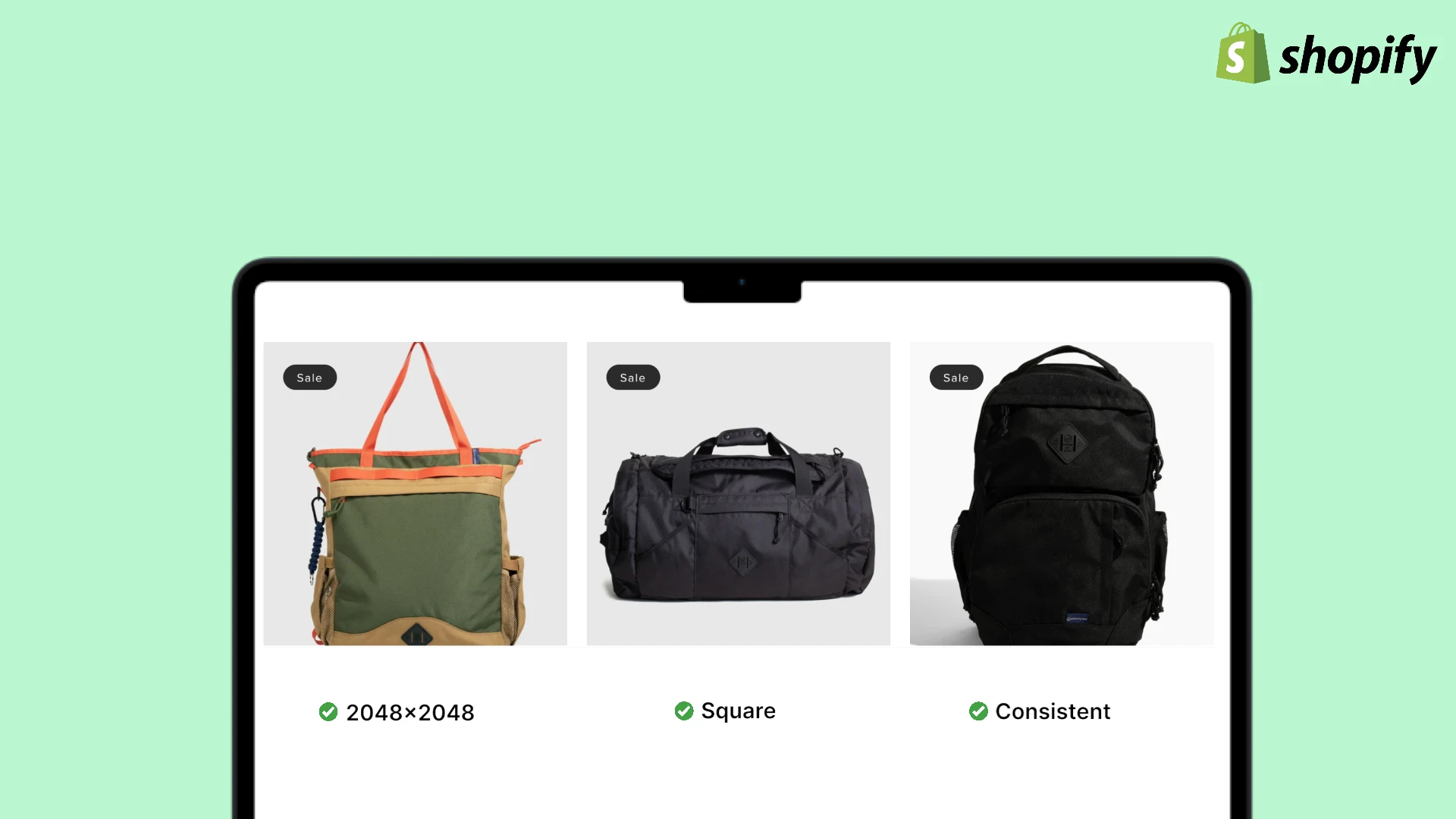
The optimal Etsy product image size is 2000 x 2000 pixels with a 1:1 square aspect ratio. This dimension displays beautifully in search results, looks professional on product pages, and provides enough detail for customers to see craftsmanship and materials clearly.
Images at 2000×2000px hit the sweet spot for Etsy: high enough resolution to showcase handmade details, small enough to upload quickly even on slower connections.
Why 2000 x 2000 Pixels Works Best
This dimension is the ideal choice for Etsy product images because it:
- Displays perfectly in Etsy search results without cropping
- Looks crisp on both desktop and mobile devices
- Shows fine details that matter for handmade products
- Uploads quickly without timeout issues
- Works consistently across category pages and product listings
Minimum Requirements for Etsy Search
Etsy has specific minimum requirements that directly impact your search visibility:
First listing photo:
- Minimum: 635 x 635 pixels
- Why it matters: Images smaller than 635px show up lower in search results
- This is a hard requirement—don't compromise on your main image
Additional photos:
- Minimum: 500 x 500 pixels recommended
- Can be smaller than the first image, but quality should remain consistent
- Customers use these to evaluate product details and quality
Never upload a main listing photo smaller than 635×635px. Etsy's algorithm penalizes these listings in search rankings, meaning potential customers simply won't find your products.
Aspect Ratio Guidelines
Square images with a 1:1 aspect ratio work best on Etsy because they:
- Display consistently in search results without awkward cropping
- Look professional in category browsing
- Work perfectly on mobile devices (where most Etsy shopping happens)
- Simplify your photography workflow
While Etsy does support horizontal and vertical images, square photos provide the most reliable results across the entire platform. Thumbnails automatically crop images to squares, so starting with square photos ensures your product stays centered.
Etsy automatically crops thumbnails to square format. If you upload a horizontal 4:3 image, the sides might get cut off in search results. Square images (1:1) give you full control over what customers see first.
File Size Considerations
Etsy's platform has practical limits for image uploads:
Maximum file size:
- Etsy states images larger than 1 MB "may not finish uploading"
- This is especially true on slower internet connections
- Target file size: 300-800 KB for best results
Compression matters:
- A 2000x2000px image can be compressed to 500-700 KB without visible quality loss
- Smaller file sizes mean faster uploads and better customer experience
- Mobile shoppers appreciate faster-loading images
How Many Images Should You Upload?
Etsy allows up to 10 images per listing, and you should use them:
Recommended quantity:
- Minimum: 5 images (shows you're serious about your product)
- Optimal: 7-10 images (gives customers confidence to purchase)
- First image: Your best angle with clean composition
What to include:
- Front/main view (your hero shot)
- Back or alternative angle
- Close-up showing texture, materials, or craftsmanship
- Scale/size reference (hand holding item, measurements visible)
- Product in use or styled context
- Detail shots of unique features
- Packaging (if it's part of your brand experience)
Understanding Etsy's Image Format Requirements
Choosing the right file format matters for both image quality and upload success.
Supported File Formats
Etsy accepts three image formats:
- JPG (or JPEG)
- PNG
- GIF
Important limitations:
- Animated GIF files are not supported
- Transparent PNG files are not supported
Use JPG for all product photos. It offers the best balance of image quality and file size. Reserve PNG for graphics like size charts or care instruction images—but remember, transparency won't display on Etsy.
JPG vs PNG: Which to Choose?
| Format | Best For | File Size | Quality | When to Use |
|---|---|---|---|---|
| JPG | Product photos | Smaller | Excellent | Default choice for photos |
| PNG | Graphics, text | Larger | Excellent | Size charts, care labels |
| GIF | Simple graphics | Varies | Limited colors | Rarely needed |
Format guidance:
- JPG: Use for all product photographs—offers best compression
- PNG: Only for graphics with text or when you need crisp edges
- GIF: Almost never needed for Etsy listings
Image Resolution: 72 PPI Standard
Save all Etsy product images at 72 pixels per inch (PPI) resolution - the web standard for online displays. Higher resolutions like 300 PPI are for print and will only increase file size without improving how images appear on screens.
Why Etsy Image Requirements Matter
Understanding why these requirements exist helps you make better decisions for your shop.
Search Visibility and Rankings
Etsy's search algorithm considers image quality as a ranking factor:
- Images below 635px on the first photo rank lower in search
- Professional, well-lit photos increase click-through rates
- Higher engagement signals to Etsy's algorithm that your listing is relevant
- Better visibility means more potential customers see your products
When your images meet Etsy's requirements and look professional, the algorithm rewards you with better placement. When images are small, blurry, or poorly composed, you get buried beneath competitors.
Mobile Shopping Dominance
Most Etsy shopping happens on mobile devices, where image quality becomes critical:
- Over 70% of Etsy traffic comes from smartphones and tablets
- Mobile shoppers scroll quickly—your first image must grab attention
- Small or blurry images get skipped immediately
- Large file sizes frustrate mobile shoppers on cellular connections
Optimizing for mobile means using square images at 2000x2000px, compressed to under 800 KB, so they load quickly and display beautifully on smaller screens.
Building Buyer Confidence
Handmade products require extra trust from buyers:
- Customers can't touch the product, so images must convey quality
- Multiple high-quality images reduce purchase anxiety
- Close-up shots showing craftsmanship build confidence
- Professional photos signal that you take your business seriously
Etsy buyers specifically seek handmade quality. Show texture, stitching, brush strokes, wood grain—whatever makes your work unique. Close-ups at 2000×2000px reveal these details beautifully.
Conversion Impact
Product images directly influence purchase decisions on Etsy:
- Listings with 5+ images convert significantly better than those with fewer
- Professional photos can increase conversions by 30-40%
- Poor quality images trigger immediate distrust
- Inconsistent images make your shop look less professional
When potential customers land on your listing, images do the heavy lifting. They need to answer questions, show quality, and create desire—all without words.
Image Optimization Best Practices for Etsy
Beyond meeting basic requirements, these strategies help your products stand out.
Photography Fundamentals
Great Etsy images start with solid photography basics:
Lighting:
- Natural light is ideal—shoot near windows on overcast days
- Soft, diffused light prevents harsh shadows
- Avoid direct sunlight which creates hot spots and deep shadows
- Consistent lighting across all products builds a cohesive shop aesthetic
Background:
- Neutral backgrounds (white, light gray, or beige) keep focus on the product
- Simple backgrounds work better than busy patterns
- Consistency matters—use the same background across your catalog
- Context shots (lifestyle images) can show scale and use
Composition:
- Center your product in the frame
- Leave small margins around edges to prevent cropping issues
- Fill the frame—products should be the clear focal point
- Use the rule of thirds for lifestyle shots
Capturing Product Details
Handmade products require special attention to details:
Multiple angles:
- Front view (hero shot)
- Back or opposite side
- 45-degree angles showing depth
- Top-down view when relevant
Close-up shots:
- Texture of materials (fabric weave, wood grain, metal finish)
- Craftsmanship details (stitching, joints, brush strokes)
- Hardware and fasteners
- Any unique or signature elements
Scale reference:
- Hand holding the item
- Next to common objects for size comparison
- Measurements overlaid or visible
- Worn or in use (for wearables)
Use a tripod or stable surface to keep your camera perfectly still. Even slight blur reduces perceived quality. If shooting handheld, take 3-5 shots of each angle and choose the sharpest one.
Compression Without Quality Loss
Proper compression reduces file size while maintaining visual quality:
Target compression goals:
- 2000x2000px images should be 500-800 KB
- Never sacrifice visible quality for smaller file size
- Use dedicated compression tools, not just "Save for Web"
Recommended compression tools:
- TinyPNG or TinyJPG: Excellent lossy compression
- ImageOptim (Mac): Batch compression with great results
- Squoosh (Google): Web-based with side-by-side comparison
- Photoshop/GIMP: "Save for Web" with quality setting at 75-85
Lossy JPG compression at 75-80% quality typically reduces file size by 60-70% with imperceptible quality loss. Resize to 2000x2000px at 72 PPI, then compress to keep files under 800 KB.
Creating Consistent Shop Aesthetics
Visual consistency builds professional credibility:
Style elements to standardize:
- Background color or style across all products
- Lighting setup (color temperature, direction, softness)
- Product positioning and framing
- Editing style (color grading, contrast, brightness)
Why consistency matters:
- Makes your shop look more professional and established
- Helps customers recognize your brand
- Simplifies your workflow (same setup every time)
- Creates a cohesive visual story
When customers browse your shop, consistent images signal quality and professionalism. Inconsistent images—different backgrounds, lighting, styles—create a disjointed experience that reduces trust.
Optimizing for Mobile Display
With most Etsy traffic coming from mobile devices, mobile optimization is essential:
Mobile-specific considerations:
- Square 1:1 images display best on small screens
- High contrast helps products stand out on mobile
- Simple compositions work better than busy scenes
- Text should be large enough to read on phones (if using overlay text)
Testing on mobile:
- View your listings on actual phones (iOS and Android)
- Check loading speed on cellular connections
- Verify images display correctly without cropping
- Ensure details are visible even on smaller screens
Using Props Sparingly
Props can add context, but use them carefully:
Effective prop usage:
- Show scale (product next to common objects)
- Demonstrate use (candle burning, jewelry worn)
- Create atmosphere without distraction
- Keep props simple and neutral
Prop pitfalls to avoid:
- Props that overpower the product
- Busy backgrounds that distract
- Too many elements in one shot
- Props that date your photos quickly
The product should always be the star. Props are supporting actors.
Common Mistakes Etsy Sellers Make
Avoid these common image errors that hurt sales and search rankings.
Uploading Images Smaller Than 635px
The mistake: First listing photo is 500x500px or smaller
The problem:
- Etsy's algorithm penalizes you in search rankings
- Your products appear lower in search results
- Potential customers never find your listings
- Lost sales from reduced visibility
The solution: Always ensure your first image is at least 635x635 pixels—but aim for 2000x2000px for best results.
Inconsistent Image Sizes
The mistake: Mixing 1000x1000px, 1500x2000px, 800x600px across listings
The problem:
- Shop browsing looks unprofessional
- Images get cropped differently in thumbnails
- Customers notice the inconsistency
- Reduces perceived quality and trust
The solution: Standardize on 2000x2000px for all main product images across your entire shop.
Poor Lighting
The mistake: Shooting in dim rooms, using harsh direct sunlight, or inconsistent lighting
The problem:
- Products look dull or washed out
- Colors appear inaccurate
- Details are hard to see
- Images look amateurish
The solution: Use soft, diffused natural light near windows on overcast days, or invest in affordable continuous lighting.
Yellow indoor lighting makes products look dingy and unprofessional. If shooting indoors under artificial light, use daylight-balanced LED bulbs (5000-6500K color temperature).
Busy or Distracting Backgrounds
The mistake: Products photographed on patterned surfaces, cluttered scenes, or distracting backgrounds
The problem:
- Product doesn't stand out
- Customers focus on the background instead
- Looks less professional
- Harder to see product details
The solution: Use simple, neutral backgrounds—white, light gray, or soft beige work best for most products.
Not Showing Scale
The mistake: No reference for product size
The problem:
- Customers can't tell if it's 2 inches or 2 feet
- Leads to returns and negative reviews
- Creates buyer hesitation
- Reduces conversion rates
The solution: Include at least one image showing scale—hand holding the item, next to a coin, worn on a person, or with measurements visible.
Using Only One or Two Images
The mistake: Listing has just 1-2 images
The problem:
- Customers lack confidence in the product
- Can't see details or construction
- Looks like you don't care about your business
- Significantly lower conversion rates
The solution: Use 5-10 images per listing showing multiple angles, details, scale, and context.
Listings with 7-10 images consistently outperform those with 1-3 images. More quality images = more confidence = more sales.
Over-Editing or Filters
The mistake: Heavy Instagram filters, unrealistic colors, over-saturated images
The problem:
- Product looks different when it arrives
- Creates disappointed customers
- Negative reviews about "not as pictured"
- Damages shop reputation
The solution: Edit for accuracy, not drama. Adjust brightness and contrast for clarity, but keep colors true to life.
Not Optimizing File Size
The mistake: Uploading 3-5 MB images straight from camera
The problem:
- Upload times are extremely slow
- Files may fail to upload completely
- Customers experience slow page loads
- Mobile users abandon the page
The solution: Resize to 2000x2000px and compress to under 800 KB before uploading.
Creating Etsy-Optimized Images with prodlens.ai
Meeting Etsy's image requirements while photographing dozens or hundreds of handmade products is time-consuming. Traditional product photography requires expensive equipment, lighting expertise, and hours of editing—resources many handmade sellers don't have.
Streamlined Image Creation
prodlens.ai generates studio-quality product images at 1024 x 1024 pixels, with one-click upscaling to 2000 x 2000 pixels—perfectly meeting Etsy's optimal dimensions:
- AI generates images at 1024×1024px (well above Etsy's 635px minimum)
- One-click upscaling to 2000×2000px for maximum quality
- Consistent square 1:1 aspect ratio automatically
- No manual resizing needed
- Upload directly to Etsy
Professional Results Without Equipment
Traditional product photography for Etsy requires:
- Professional lighting setup ($300-2000)
- Backdrop materials and props
- Tripod and camera equipment
- Photo editing software and skills
- Hours of shooting and retouching
prodlens.ai uses AI to create professional product images with:
- Studio-quality lighting automatically applied
- Clean, customizable backgrounds
- Consistent style across entire catalog
- Multiple variations per product
- Instant results
Time Savings for Handmade Sellers
Consider the traditional workflow for photographing 30 handmade products:
- Setup and lighting: 1-2 hours
- Photography session: 3-5 hours
- Editing and retouching: 4-6 hours
- Resizing and optimization: 1 hour
- Total: 9-14 hours per 30 products
With prodlens.ai:
- Upload product photos
- AI generates optimized images
- Download Etsy-ready files
- Total: 20-40 minutes per 30 products
This time savings allows you to focus on what matters—creating products, managing orders, and growing your business.
Consistent Shop Aesthetic
Maintaining visual consistency across a growing catalog is challenging:
- Lighting changes between shooting sessions
- Backgrounds vary or get worn
- Editing styles drift over time
- New products don't match older listings
prodlens.ai ensures perfect consistency by:
- Applying identical style parameters to all images
- Using the same background across products
- Maintaining consistent lighting models
- Keeping your entire shop visually cohesive
This consistency makes your Etsy shop look more established and professional, building customer trust.
The biggest advantage? Set your preferences once, then every product gets the same professional treatment automatically. No more worrying about matching your photography from last month.
Built-in Optimization
Beyond meeting Etsy's dimension requirements, prodlens.ai provides:
- Proper file compression (optimal file size range)
- Correct 72 PPI resolution for web
- Square 1:1 aspect ratio for consistent display
- Multiple variations to A/B test
You get images ready to upload to Etsy without additional processing.
Quick Reference Checklist
Use this checklist to ensure your Etsy images meet all requirements:
Dimensions and Format
- First image is at least 635 x 635 pixels (preferably 2000 x 2000)
- All images are 2000 x 2000 pixels for consistency
- Square aspect ratio (1:1) for all product photos
- Saved at 72 PPI resolution
- JPG format for photographs
File Specifications
- File size under 800 KB (well below 1 MB limit)
- Compressed without visible quality loss
- No animated GIFs
- No transparent PNGs (transparency won't display)
Photography Quality
- Images are sharp and in focus
- Consistent, soft lighting
- Clean, neutral backgrounds
- Colors are accurate and true-to-life
- No harsh shadows or blown-out highlights
Content Requirements
- 5-10 images per listing
- Multiple angles of the product
- Close-ups showing details and craftsmanship
- At least one image showing scale
- Product is centered and fills frame appropriately
Shop Consistency
- All listings use similar backgrounds
- Lighting style is consistent across products
- Product positioning is standardized
- Overall aesthetic is cohesive
Mobile Experience
- Images load quickly on mobile networks
- Products are clearly visible on small screens
- Tested on actual mobile devices
- High contrast for easy viewing
Frequently Asked Questions
Conclusion: Images That Sell Handmade
Mastering Etsy product image requirements is essential for handmade sellers competing in a crowded marketplace. The 2000 x 2000 pixel specification provides crisp detail that showcases craftsmanship while remaining easy to upload and quick to load. Combined with proper compression (under 800 KB), square aspect ratio, and at least 5 quality images per listing, your products will stand out in search results and convert browsers into buyers.
Remember that meeting technical specifications is just the foundation. The real goal is creating images that convey the quality, uniqueness, and care you put into handmade products. Whether you're shooting with a DSLR, smartphone, or using AI tools, consistency and quality matter most.
Start by ensuring your first image on every listing meets the 635px minimum (aim for 2000x2000px). Then systematically add 4-9 additional images showing angles, details, and scale. The conversion improvements from professional, properly-sized product images will quickly justify the effort.
Related Articles